Need help? Call Us : 02642-266340 Email : info@kingsoftware.co.in

×
![]()
Blog
How to Import CSV Files in MySQL .
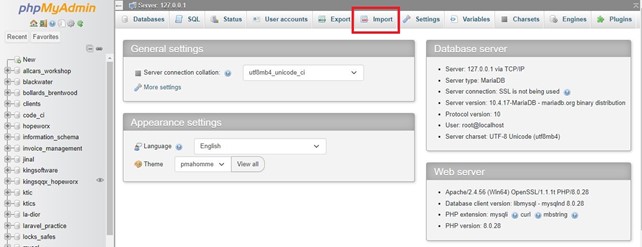
First you must access your cPanel and go to the "phpMyadmin" item in the Database Section;
Step 1:In PHPMyAdmin, go to the menu "Import";
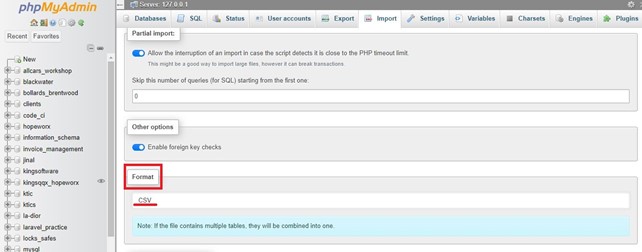
Step 2 : Select CSV format
Step 3 : Click "Choose file", and search for local file and select CSV format;
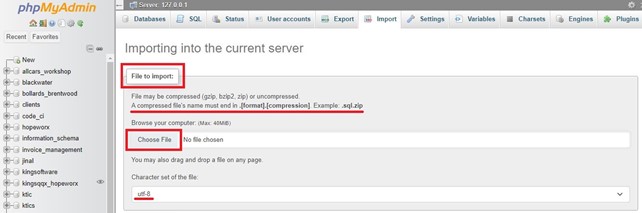
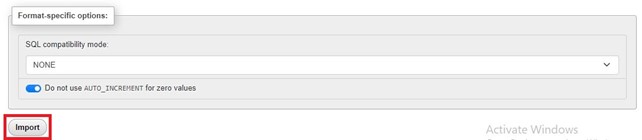
Step 4 : Click in Import;
Step 5 : A confirmation screen will be displayed